By Muhammad Shahbaz
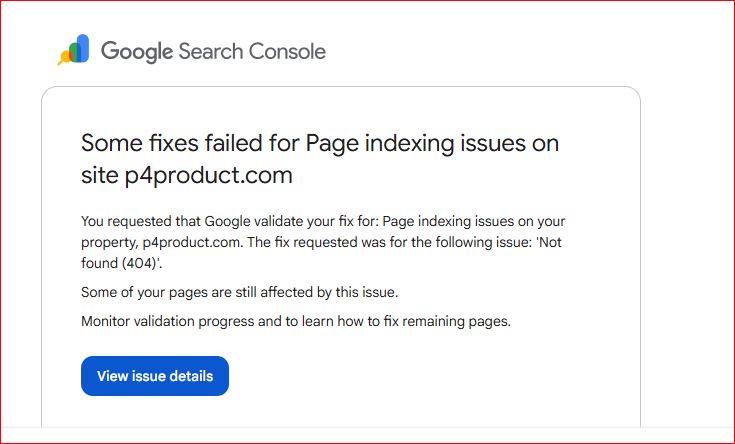
Managing a website’s search visibility is an ongoing process of optimization, monitoring, and technical maintenance. A few days after submitting a fresh sitemap for p4product.com, I logged into Google Search Console (GSC) expecting to see steady indexing progress. Instead, I was greeted by a system notification: some of the requested fixes for page indexing issues had failed validation.
Receiving a failed validation status can feel discouraging, especially after you’ve already spent time troubleshooting broken links and submitting site updates. However, in the world of search engine optimization (SEO), this is a common occurrence. Here is a detailed look at what the notification meant, how I analyzed the underlying issues, and the exact steps taken to resolve them.
1. Deconstructing the Search Console Notification
The notification from Google Search Console was direct and clear: Google had attempted to validate a requested fix for “Not found (404)” errors on p4product.com, but the automated crawl confirmed that several pages were still returning a 404 HTTP status code.
Why Did the Validation Fail?
When you click “Validate Fix” in Google Search Console, Google schedules a re-crawl of a sample set of the affected URLs. Validation fails if:
- Google finds that the sample URLs still return a
404or410status code. - Broken internal links on your site are still pointing Googlebot back to those missing URLs.
- The server response hasn’t updated across all regional edges or CDN caches before Googlebot recrawled the pages.
The notification provided a direct link—“View Issue Details”—which allowed me to access the granular report showing precisely which URLs were still failing and causing Googlebot to flag the issue.
2. Analyzing the Indexed Pages Report
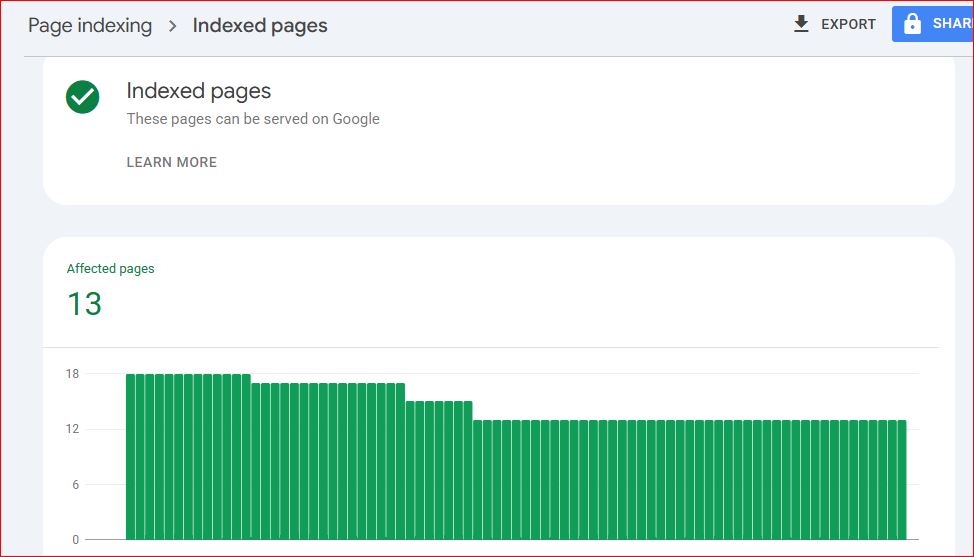
To put the 404 validation failure into perspective, I opened the main Page Indexing Report in Google Search Console to examine the broader trends across the domain.
[ GSC Indexing Trend Overview ]

Indexed Pages
  18 |        /\
     |       /  \
  13 |______/    \______ (Current Stable Level)
     +-------------------- Time
Key Insights from the Report Data:
- Current Status: The report displayed a green checkmark next to “Indexed pages – These pages can be served on Google.”
- Page Count: At the time of inspection, 13 pages were successfully indexed and eligible to appear in Google Search results.
- Historical Trend: The graph indicated that indexed pages had previously peaked at around 18 before dropping down and stabilizing near 13.
Seeing 13 pages successfully indexed meant that Google was actively crawling and processing the core structure of the site. However, the drop from 18 to 13, combined with the failed 404 validation, confirmed that residual links or decommissioned pages were still creating “noise” for Googlebot.
3. Step-by-Step Resolution Workflow
To clear the validation error permanently, I implemented a thorough cleanup process targeting every stage of the link lifecycle:
Step 1: Exporting and Categorizing the Problem URLs
First, I navigated to the “Not found (404)” issue details page and exported the complete list of flagged URLs. I categorized them into three distinct groups:
- Old/Renamed Pages: Former product or article pages that had been moved to a new URL structure.
- Mistyped Internal Links: Active pages containing broken internal links due to minor typos in the
hrefattribute. - Permanently Removed Content: Pages or assets that were intentionally deleted and should no longer exist.
Step 2: Fixing the Root Causes
Depending on the category of each URL, I applied specific technical fixes:
- For Moved Content (301 Redirects): Set up permanent
301 Redirectspointing the old URLs to their most relevant live counterparts. This passes equity and directs both users and crawlers to valid content. - For Broken Internal Links: Updated the navigation menus, body text, and footer links across the site to remove or correct references to non-existent URLs.
- For Deleted Content (
410 Goneor Clean Removal): Ensured that deleted content returned an intentional status and was fully removed from internal sitemaps.
Step 3: Verifying Server Responses & Requesting Re-Validation
Before touching Google Search Console again, I tested each URL using cURL and HTTP header inspection tools to ensure the server was returning the expected status codes (200 OK for live or redirected pages).
Once confirmed, I clicked “Validate Fix” in GSC to initiate a new validation cycle.
4. Why Resolving 404 Errors Matters for Long-Term SEO
Occasional 404 errors are a natural part of website evolution. However, allowing unresolved 404s to linger—especially when highlighted in Search Console—can impact your site over time:
| Factor | Impact of Unresolved 404s | Benefit of Cleanup |
| Crawl Budget Efficiency | Googlebot wastes resources attempting to re-crawl non-existent pages. | Crawlers focus entirely on your active, valuable content. |
| User Experience (UX) | Visitors hit dead ends, leading to higher bounce rates. | Users smoothly navigate to relevant, active pages. |
| Indexing Stability | Index counts fluctuate continuously as pages drop in and out. | Your indexed page count stabilizes, leading to predictable search presence. |
Comprehensive Checklist: Handling Failed Indexing Fixes
If you receive a “Failed Validation” notification in Google Search Console, follow this step-by-step checklist to systematically resolve the issue:
- Access the Issue Details: Click “View issue details” inside the notification or navigate directly to the Indexing tab in GSC.
- Export the URL List: Download the list of affected URLs to a spreadsheet for tracking.
- Audit Each URL:
- Determine if the page was deleted on purpose or accidentally removed.
- Check for live internal links pointing to the broken URL using site-crawling tools or GSC’s “Internal Links” report.
- Apply Corrective Actions:
- Implement 301 redirects for content that moved to a new address.
- Fix or remove broken internal links across your templates, posts, and menus.
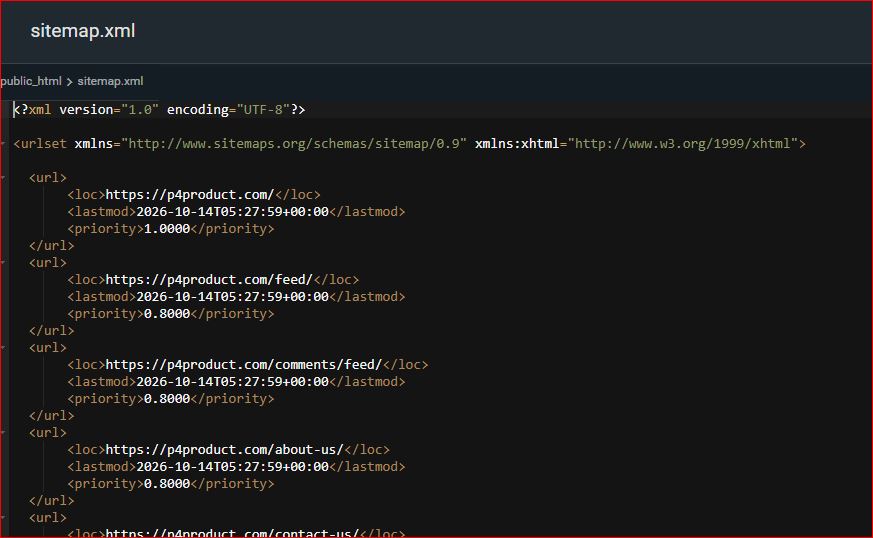
- Remove non-existent pages from your XML sitemap.
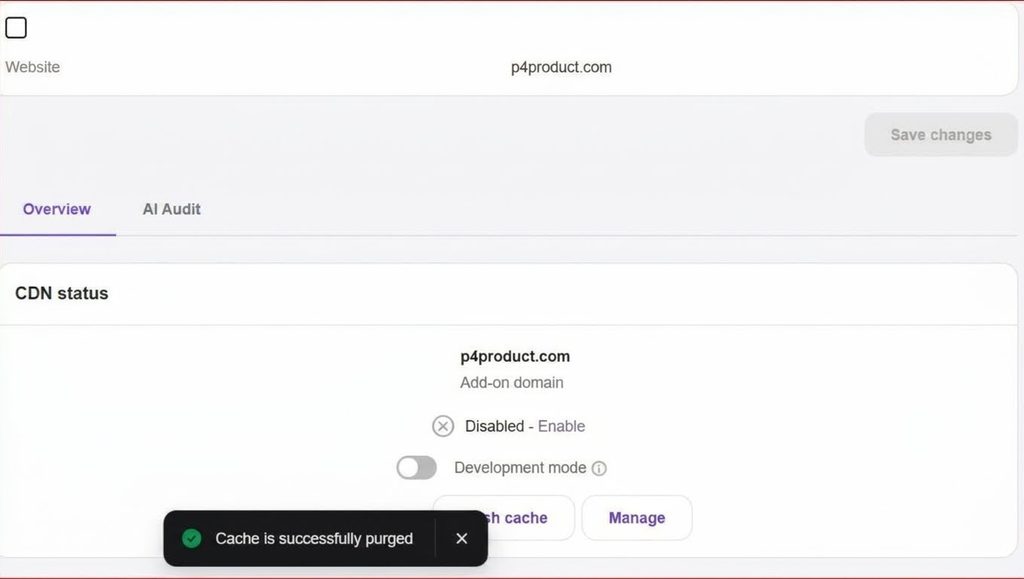
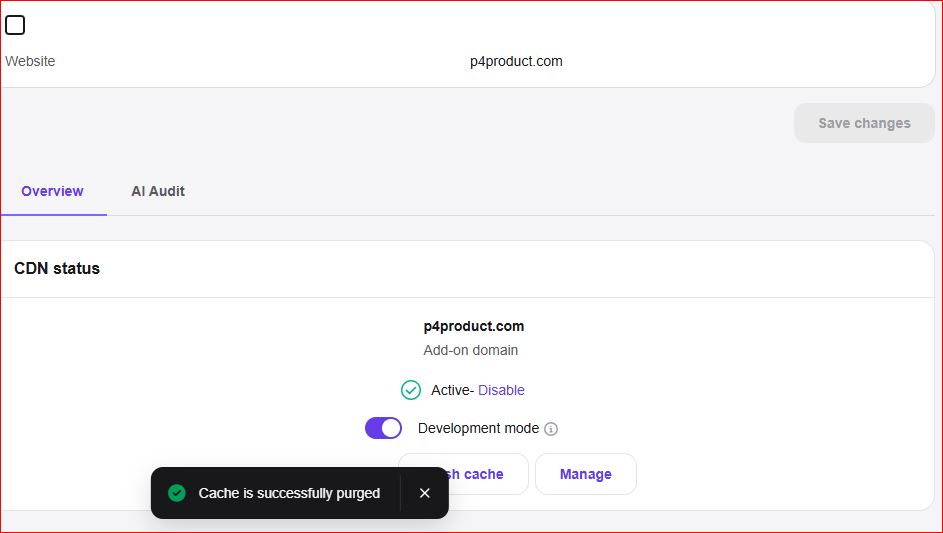
- Clear Caches: Flush your site, CDN (e.g., Cloudflare), and server-level caches to ensure Googlebot receives the updated headers immediately.
- Request Re-Validation: Return to the issue page in Search Console and click “Validate Fix”.
- Monitor Progress: Check the Page Indexing report over the next 1–2 weeks to confirm that the error count trends to zero and your indexed page number stabilizes.
Final Thoughts
A failed validation notification in Google Search Console is not a penalty; it is simply automated feedback letting you know that Googlebot found unresolved issues during its last crawl.
By systematically addressing root causes—whether fixing broken internal links, setting up 301 redirects, or updating sitemaps—you maintain clean crawl pathways for search engines. Regular maintenance ensures that your indexed pages reflect your live site structure accurately, keeping your SEO foundation strong.
Follow-up
Would you like to expand this further with code snippets (such as .htaccess / Nginx 301 redirect rules), or add specific screenshots/mockups to complement the text?