
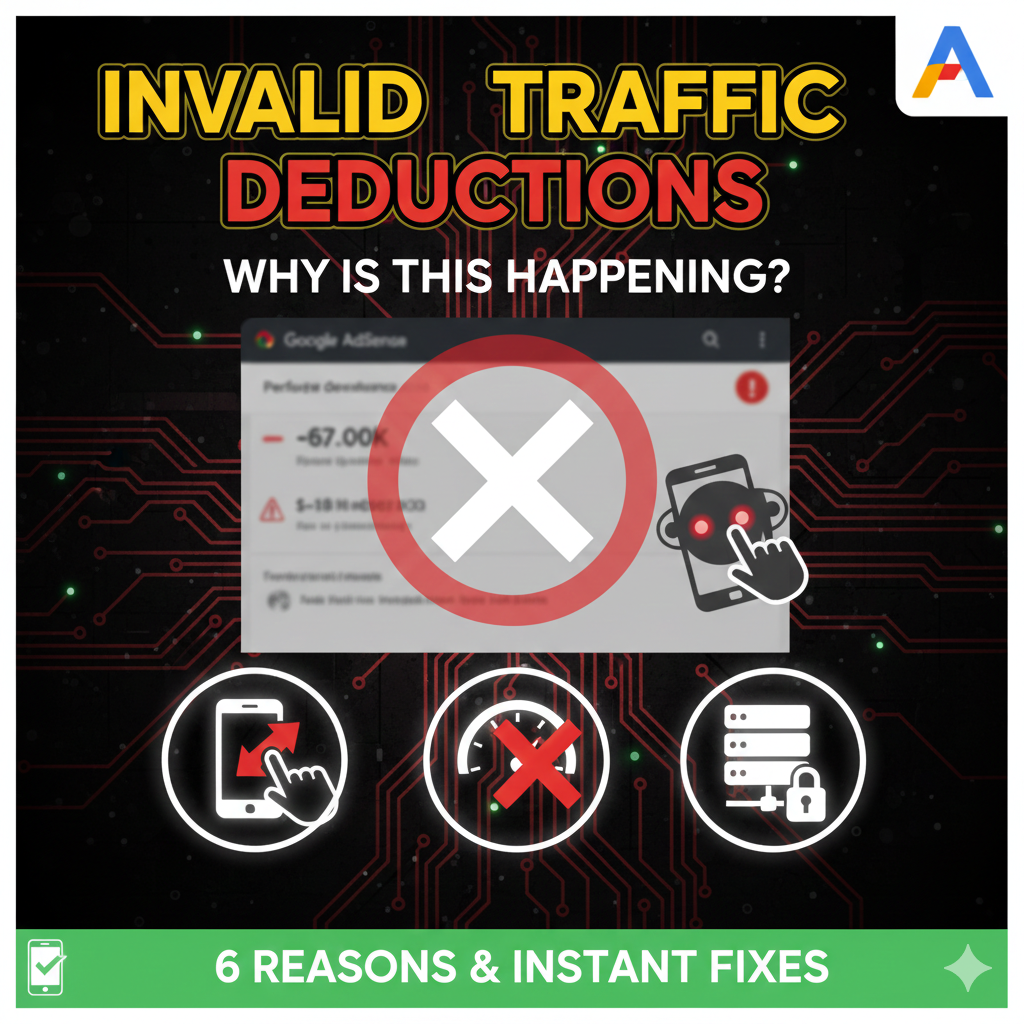
Have you ever checked your AdSense dashboard only to find your “Finalized Earnings” are significantly lower than your “Estimated Earnings”? This gap is caused by Invalid Activity Deductions.
In the eyes of Google, if a click doesn’t stem from genuine user interest, it is a liability. To protect advertisers, Google “claws back” this revenue. If these deductions exceed 5% of your total income, your account is at risk of being disabled. Here are the three pillars of defense to stop the bleed.
1. Audit Your Traffic: Distinguishing Organic from Artificial
Deductions often happen when your traffic sources are “questionable.” To prevent this, you must go beyond basic pageview counts.
- Use Google Analytics 4 (GA4): Link your AdSense to GA4 to see exactly which sources have a 100% bounce rate or a session duration of under 1 second. These are hallmarks of bot traffic.
- Vetting Third Parties: If you pay for marketing or SEO, ensure they aren’t using “click farms” or “traffic exchange” forums. If a partner promises a specific number of clicks, they are likely using artificial inflation that Google will eventually detect and deduct.
- Geographic Anomaliies: If you run a local US-based blog but see a spike in clicks from a data center in a different country, report it to the immediately to protect your account.
2. Eliminate Accidental Clicks (The “Fat Finger” Problem)
The most common cause of deductions—especially on mobile—is poor ad implementation. If a user clicks an ad while trying to scroll, Google will flag it as invalid.
- Adequate White Space: Ensure there is at least 20px to 30px of padding between your content (especially “Next” buttons or menu items) and your ad units.
- The Two-Click Penalty (Confirmed Click): If Google detects too many accidental clicks, they may impose “Confirmed Click” on your site. This forces users to click a “Visit Site” button after clicking the ad. This destroys your CTR and revenue. To fix this, increase the spacing between ads and clickable site elements.
- Clear Labeling: Always label your ad units with “Advertisement” or “Sponsored Links.” Never place ads in a way that makes them look like part of your navigation menu.
3. Site Authorization: Protect Your Ad Code
Your AdSense publisher ID is public. Malicious actors can “scrape” your site code and place it on low-quality or prohibited websites. If that “pirated” code generates invalid clicks, you are the one who gets penalized.
- How to fix it: Turn on Site Authorization in your AdSense dashboard.
- Go to Sites.
- Ensure only the domains you actually own are listed as “Ready.”
- Any traffic coming from a domain not on your “Verified” list will be ignored by Google, protecting you from sabotage and deductions.
Summary Checklist: Stopping AdSense Deductions
Are Your Deductions Higher Than 10%?
If your deductions are consistently high, Google’s automated systems are likely watching your account for a potential ban. You need to act now by auditing your mobile layout.