
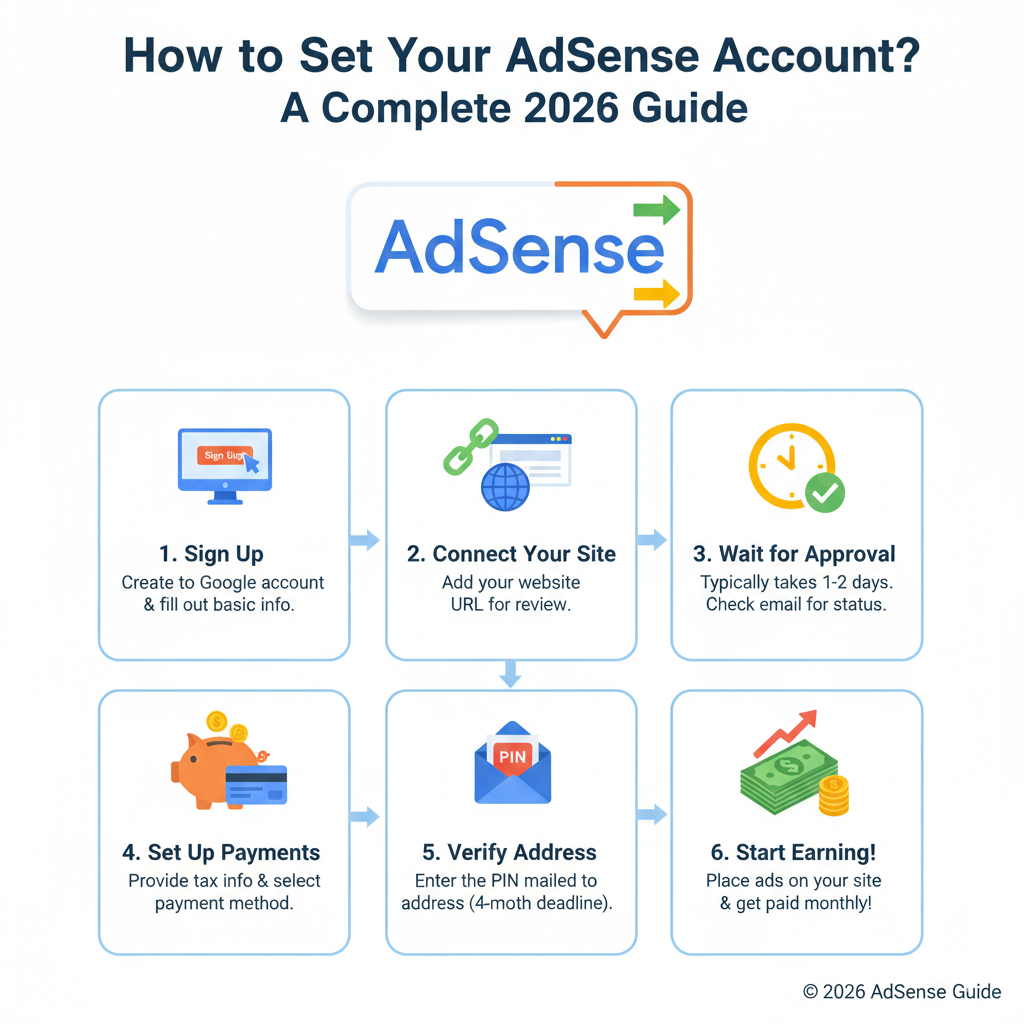
Setting up your Google AdSense account is more than just a registration—it is a multi-step activation process. Until these steps are completed, your site cannot show ads or generate revenue. In this guide, we’ll walk through the three essential pillars of activation: Payment Details, Verification, and Site Connection.
Step 1: Complete Your Payment Address Details
The information you enter here determines how and when you receive your earnings. Accuracy is non-negotiable.
- Account Type Selection: You must choose between Individual or Business.
- Individual: Payments are made to the account holder’s legal name.
- Business: Payments are made to the legal company name.
- Warning: You usually cannot change this type once the account is activated. Choose carefully.
- Name and Address: Your name must match your banking records exactly.
- The PIN Threshold (Content Gap): You won’t receive your PIN immediately. Google only mails your Personal Identification Number (PIN) once your account balance reaches the verification threshold (typically $10 or equivalent). You must be able to receive physical mail at the address provided.
Step 2: Phone and Identity Verification
To prevent fraud, Google requires you to prove you are a real person in a real location.
- Phone Verification: If required in your country, you will see a prompt on your AdSense home screen.
- International Format: Always use the
+sign followed by your country code, area code, and number (e.g.,+14155550123). - Methods: You can choose between a text message (SMS) or a voice call.
- International Format: Always use the
- Identity Verification (Content Gap): In many regions, Google now requires Identity Verification (uploading a government ID) before they ship your physical PIN. Ensure your AdSense name matches your ID exactly to avoid a permanent account lock.
Step 3: Connecting Your Site to AdSense
This is the final technical bridge. You must prove you own the site and that it is ready for ads.
- The AdSense Code: Copy the snippet from your dashboard and paste it between the
<head>and</head>tags of your site’s HTML. - WordPress Integration: If you use WordPress, use the Google SiteKit plugin. It automates the code placement and ensures your site is correctly linked without manual coding.
- CMS & Plugins: If you aren’t on WordPress, check if your Content Management System (Blogger, Wix, etc.) has a built-in AdSense integration.
- Verification Check: After pasting the code, click “I’ve pasted the code” and “Done.” If Google cannot detect the code, activation will fail.
4 Pro-Tips for a Smooth Activation
To avoid the common “Needs Attention” status, ensure your site meets these criteria before the review:
- Policy Compliance: Your site must follow all AdSense Program Policies (no copyrighted or prohibited content).
- Unique Content: Your site must offer original, high-value articles that attract genuine user interest.
- Site Health: Ensure your site is fully loaded, easy to navigate, and not “Under Construction.”
- Ads.txt Accessibility: Ensure your
ads.txtfile is live (e.g.,yoursite.com/ads.txt) so Google’s crawler can verify your publisher ID.
What Happens Next?
Once you complete these steps, the Google AdSense team will review your site. This typically takes a few days, though it can occasionally take up to two weeks. You will receive an email once you are officially “Ready” to start earning.