
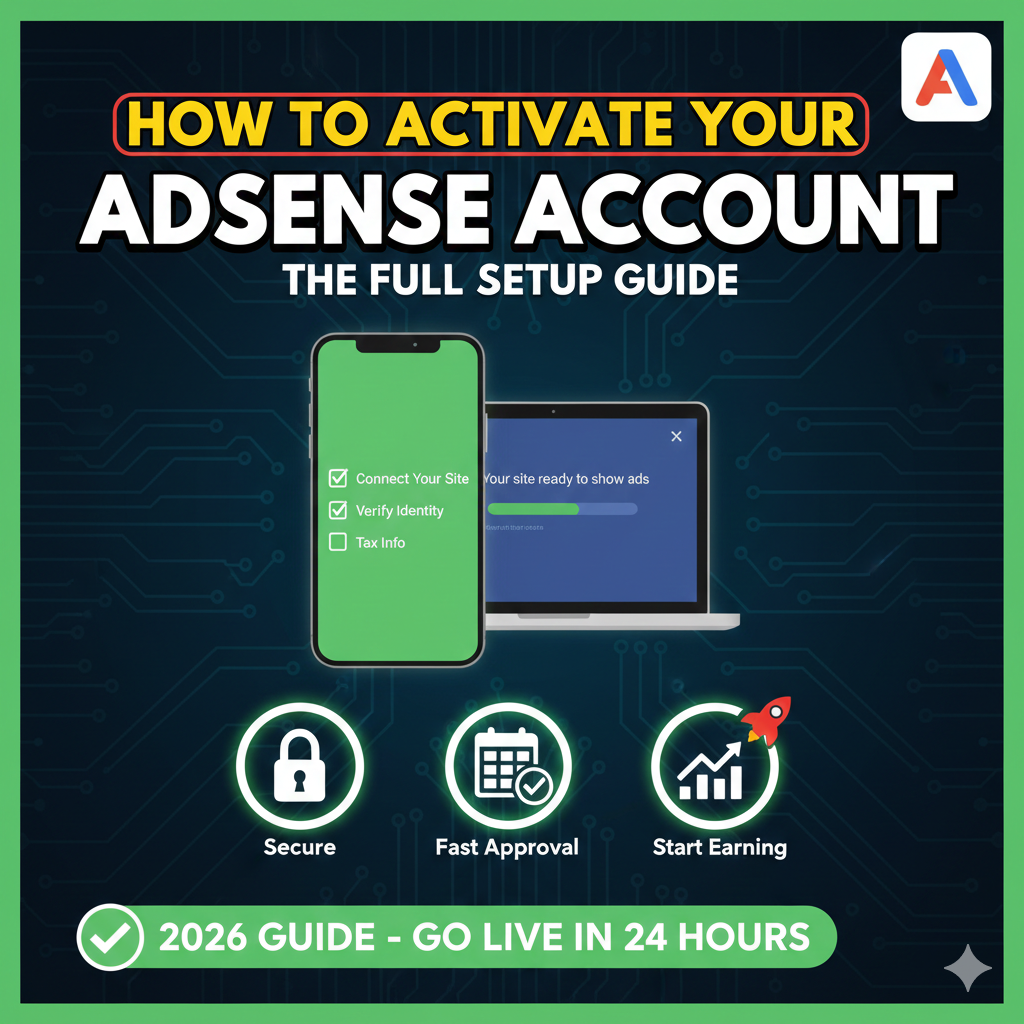
Connecting your site to AdSense is the final technical hurdle before you can start earning. While the instructions may seem simple, a single misplaced line of code or a typo in your address can lead to “Questionable” delays that last for weeks.
Follow this definitive 3-step activation guide to ensure your site is reviewed and approved as quickly as possible.
Step 1: Connect Your Site (The Header Injection)
The most common point of failure is incorrect code placement. Google uses this snippet to verify your ownership and scan your content for policy compliance.
- Where to Paste: Copy the code from your AdSense homepage and paste it into the HTML of your site, directly after the
<head>tag. - Site-Wide Coverage: Ensure the code is present on every page you intend to monetize. If you use a modern website editor, this process varies:
- WordPress: We recommend using the Google Site Kit plugin or a “Header and Footer” snippet plugin to avoid editing theme files manually.
- GoDaddy / Wix: Look for “External Marketing Tools” or “Custom Code” sections in your dashboard to inject the script globally.
- Finalizing: Once the code is live, return to AdSense, check the box, and click Done.
Step 2: Provide Your Legal Payment Address
Google cannot issue payments without a verified legal identity and physical address. In 2026, accuracy here is the only way to avoid manual verification freezes.
- Full Legal Name: Enter your name exactly as it appears on your bank statements. If your bank says “Jonathan A. Smith” and your AdSense says “John Smith,” your transfer will likely fail.
- Postal Accuracy: This address is where Google will mail your physical PIN (Personal Identification Number) once you hit the $10 threshold. Ensure your mailbox can receive international standard mail.
Step 3: Verify Your Phone Number
While not required in every country, phone verification is a standard security layer to prevent bot-driven fraud.
- The Prompt: If required, a card will appear on your AdSense home screen.
- Verification Method: You can choose between a Text Message (SMS) or a Voice Call.
- The 6-Digit Code: Once you receive the code, enter it into the field and hit Submit.
- Tip: If the SMS isn’t arriving, try the Voice Call option—it is often more reliable on certain mobile networks.
What Happens During the Review?
Once these three steps are submitted, your site enters the “Getting Ready” phase.
- Timeline: Setup finalization usually takes less than 24 hours, but in cases where content is thin or navigation is complex, it may take up to two weeks.
- Policy Check: Google’s crawlers will check for “Low Value Content,” “Navigation Issues,” and “Policy Violations.”
- The 4-Month Rule (Content Gap): Remember, once your PIN is mailed to the address you provided in Step 2, you have exactly 4 months to enter it. If you don’t, ads will stop showing on your site until you verify.
Activation Checklist
- [ ] Code pasted after the
<head>tag on all pages. - [ ] Payment name matches bank records perfectly.
- [ ] Phone number verified via 6-digit SMS/Call code.
- [ ] Site is live, public, and easy to navigate.